Delete your MoneyMama account
Last updated: 4 August 2026
Sorry to see you go. You can delete your account yourself, from inside the app, in under a minute. Here is how it works and exactly what disappears.
Deleting is permanent and immediate. There is no grace period, no undo, and we cannot restore your data afterwards, even if you ask us the next day.
Delete from the app
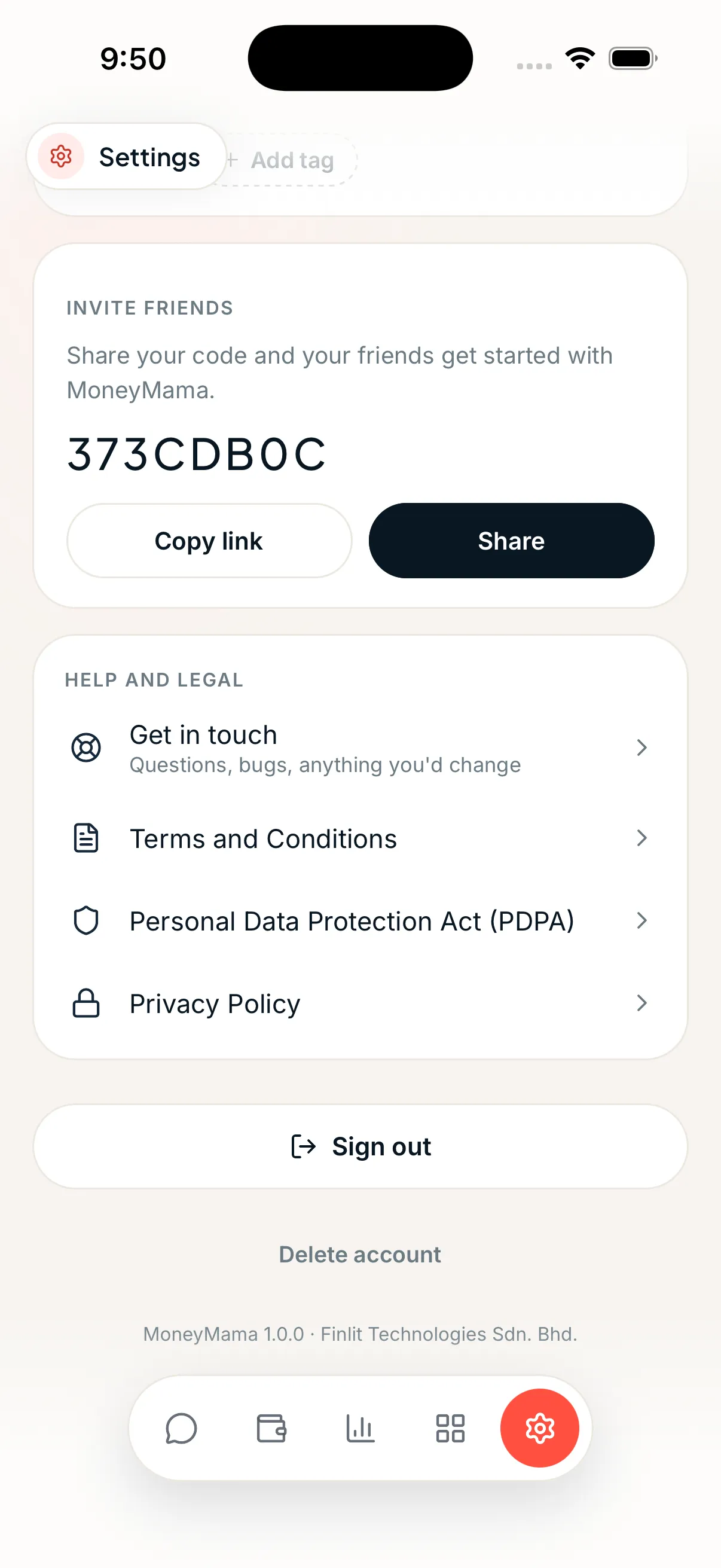
Open Settings
Tap the gear icon at the far right of the bottom bar.
Scroll down and tap "Delete account"
It sits at the very bottom of the screen, just below Sign out.
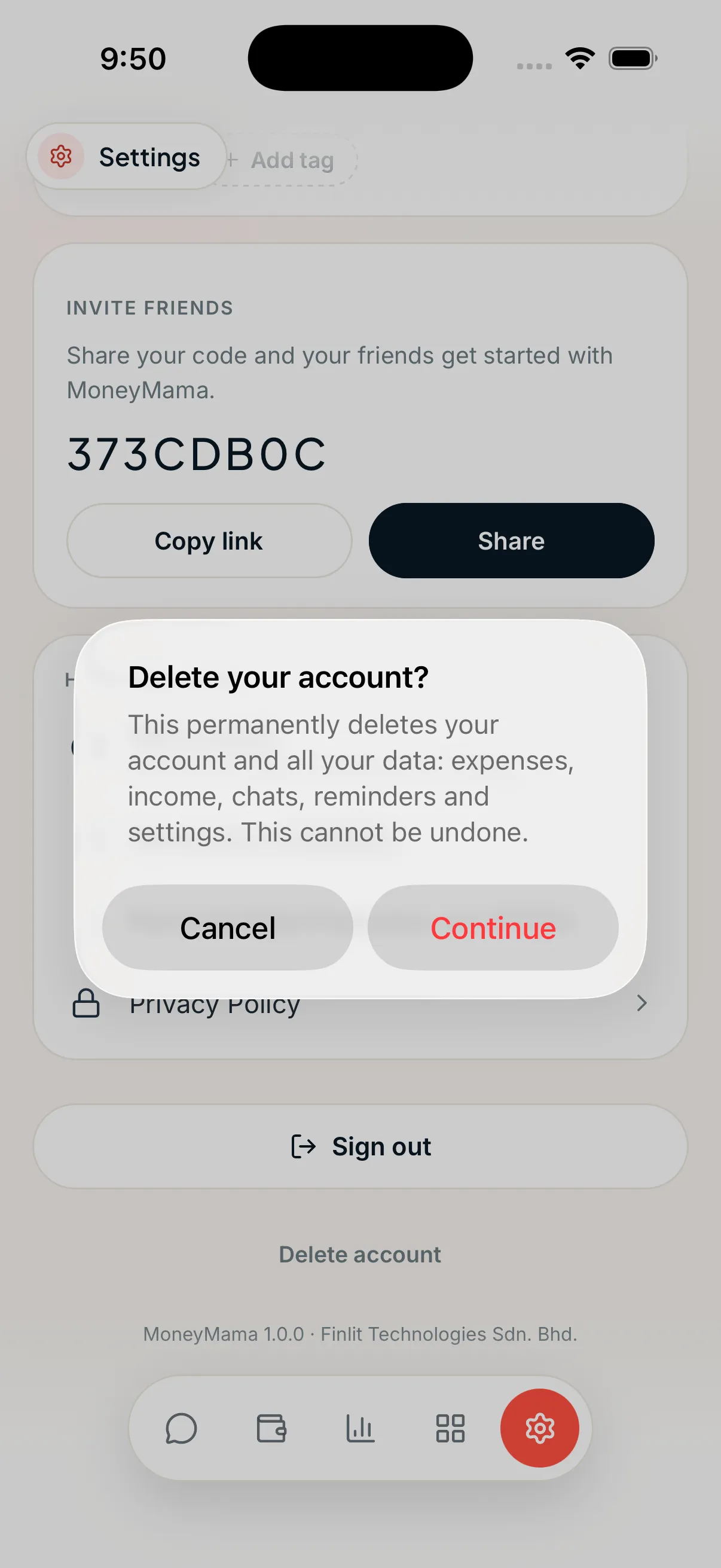
Read the warning, then tap "Continue"
This is where you can still back out. Tap Cancel and nothing happens.
Tap "Delete forever"
One last check asks if you are absolutely sure. Once you confirm, your account and data are gone straight away.
What gets deleted
Everything below is removed from our systems when you confirm. If your WhatsApp number is connected to your account, the WhatsApp side goes too, including your chat history with Mama.
- Your account and sign-in
- Expenses, income and receipts
- Chats with MoneyMama, on the app and on WhatsApp
- Reminders and budgets
- Bank and credit card statements you uploaded
- Split bills and the receipts attached to them
- Your debt plan and any saved goals
- Tags, categories and settings
What we keep
If you bought one of our paid programmes, we keep the payment record itself, such as the amount, the date and the receipt. Malaysian tax and accounting rules require us to hold on to financial records, so those stay even after your account is gone. They are not used to contact you or to rebuild your profile. Everything else in the list above is deleted.